For Mac, you need to install pip, which is done by following the instructions provided by Ansible, which didn’t work for me, so I found an easier command:
$ sudo easy_install pip
With that command, I was able to make it to the next phase… which didn’t work. At this point, I was very frustrated! After deciding to read all of the instructions on Ansible, I found a paragraph regarding MacOS 10.9 . Well, I was running 10.14. It obviously inherited its bitchiness from 10.9. So, I ran the command:
All problems were solved. At this point, I’m considering a degree in Linux based systems so that I can actually understand this shit. But no, I’m going to continue my path toward the #CCIE and #CCAr!
Credit: Ansible for making an amazing product that’s openSource, Apple for making amazing hardware with very low specs, and Cisco for being amazing.
Well, today is one year too late. I really feel like I’ve been abusing myself by not taking care of my RSI (Repetitive Strain Injury), which has now formed into carpal tunnel.
Between my daily commute where I put pressure on the wrist, the 8+ hour work days where I hold my mouse improperly, and the additional time on the computer at home has taken a toll on my right arm and wrist.
Now of course, this is a self diagnosis. I have not spoken to a trained professional, except for my family friend who is a licensed chiropractor. She has guided me for several months, reducing the strain on my wrist nearly 80%! This is huge. However, it’s still unbearable. I’m currently scheduling doctor visits with our local “Hand Center of Louisiana” to get my wrist checked out.
I’m feeling nervous, but less than I was eight months ago. I decided to postpone this procedure because I thought that it would take several months of recovery. After speaking with a colleague , it’s now apparent that I will be able to recover within two hours, functional recovery in four days and complete recovery within three months. That’s not bad.
If you’re experiencing pains in your wrist please consider getting ergonomic equipment such as a standing desk, vertical mouse, and standing desk! If you do not want to stand then invest in a proper chair that can support your body type with the option of adjusting between 90 and 130 degrees to allow for proper blood flow.
Seriously, take care of yourself. Invest in proper equipment, good food, and study materials!
Edit: I visited a doctor to undergo extended rehab. We identified about eight (8) areas of concern that have all lead to the issues in my arm and wrist. Seriously, starting in my ankles, progressing through the hips and through the spine… Please, spend the time to take care of yourself with daily stretching and ergonomic checkups. Doing this can help you avoid serious irreversible damage to your body.
Today, I start the journey with my CCNP text books. The first book that I plan to start with is ROUTE by Kevin Wallace! Join me as I lab, cry and focus on my goals of achieving CCIE and CCAr status over the next few years!
Edit: do I want to go the CCDP route? I may… I’ll post again after I make it past the Route and Switch exams.
Picture this, Friday morning, I’m in the office early (7am) to start work on some configs before the campus started filling up with Admin, Faculty and students. I grab my coffee, sat down at your desk and logged my PC.
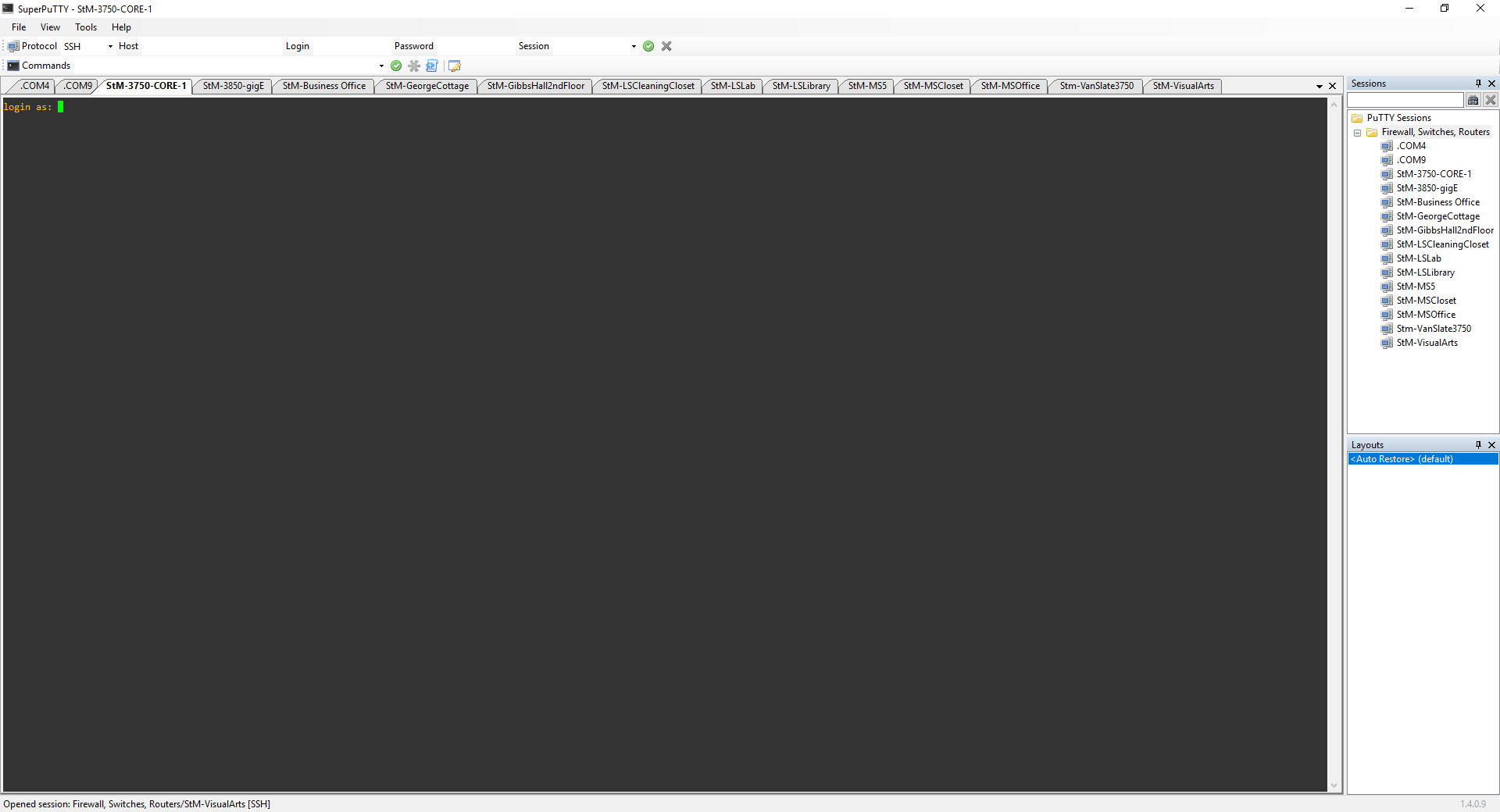
I was feeling confident, started studying my CCNP, felt like I knew my environment like it was the back of my hand, so I launched SuperPutty, configured my sessions (10.2.2.75) over SSHv2. I proceed to show my current interface status:
#show interface status
From here, I saw that there were several updates that needed to be done.
Performing the show interface status command showed that I had several things that needed to be updated. To list a few: out of date descriptions, port-channel groups on non-redundant switchports, dated hostname, and various open ports that should be disabled.
So, I address the quick and dirty: renamed switchport descriptions, disabled unused ports, changed down ports to an arbitrary VLAN # in the event that it did come back online, and fixed my “archive” link that automatically backed up my config to a local tftp server. I know, I should be using SFTP, but I don’t know how to! Teach me.
Moving forward, I wanted to tackle the port-channels. I log into both switches (Core and the adjacent switch) and proceed to remove the fiber uplinks from the assigned channel-groups. Well, I started with the core…
That was a mistake, it completely threw my switches into error state. It’s now 8AM, students are rolling in and teachers are starting to check students into our Student Information System (SIS).
Then, all phones go offline, my primary DC (domain controller), goes offline, printers aren’t working and several people are calling me to tell me that the internet is not working!
It’s because I blocked Google. ahahaha, Just kidding.
I quickly realized that the switchports originally configured are now in errdisable state! I oofed! First off, I should have waited until the end of the day to make these changes so that this sort of thing can be mitigated without causing a service outage. Second off, I needed to be in two places at once so that I could cycle both ports, prevent loops, and then verify that they were both up and running but I was alone. My colleague was still on his way in for the day.
After several minutes of frustration, running back and forth on an 18-acre campus, I finally did it. I cycled the ports, waited two minutes for the entire core to come online (I did a full restart) – we were finally online. I then had to test the DC to make sure it was happy, pinged the phone system and validated that the printers were operational again.
We were back online after 15 minutes of outage due to my stupidity. Reflecting on my ID-10-T error, I realized that I should have waited until the end of the day, notified my head master that I wanted to make the changes, scheduled the change and then proceeded to a planned change. Remember to stay humble and grounded. You can prevent these mistakes.
Today, I start the journey with WordPress. In my effort to find the best place for taking notes and tracking progress, I’ve decided to start (stop) with WordPress.
Please, stick with me and follow along my route for better networks and greater goods.
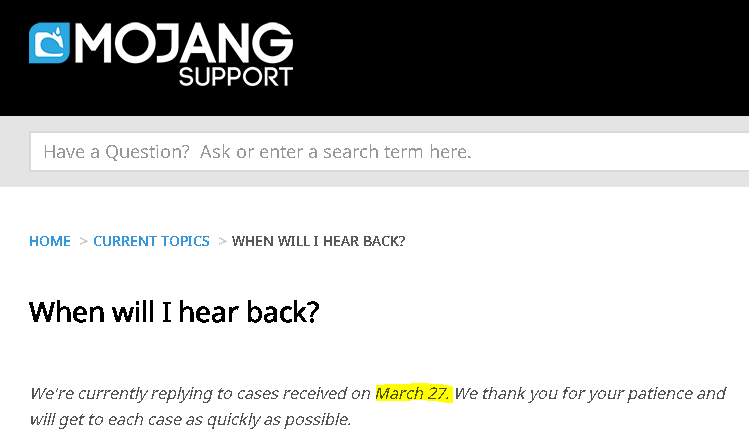
I’m understanding, but come on! You’re almost two full months behind on technical support???? I’d think that a company like this would have instituted a chat bot by now!
Umm.. yeah, bro. I had a blog before. I had different priorities at the time, but now I’m back at it. You got beef? Or are you vegan?
Today, I have Eve-NG configured on the Google Cloud Platform… This ended up being a total waste of time. More about this later (See my GNS3 post).
My total cost was roughly $90/month. With me shutting the server down when I didn’t use it, the monthly cost was $20… It became more of a hassle. I deleted my compute instance and moved on.
eve-ng.net
I subscribed to INE’s All Access Pass. This was great, because for me, I paid $300(ish) about three years ago for their CCNA class, and this meant that I would have all of their classes for $99/month. I plan to have my employer pick up the tab in the new year if I end up liking the subscription.
If you’re like me and pre-installed the pro version, then you’ll need this:
## To roll back from EVE-NG Pro to the Community Edition, issue the following commands in the CLI of EVE

> apt install eve-ng eve-ng-guacamole

> systemctl disable docker

> systemctl disable docker.service

> systemctl stop docker.service

> systemctl disable udhcpd

## Reboot EVE
I have to say, SuperPuTTY is amazing. I wish I could justify the purchase of SecureCRT, but for now, SuperPuTTY is the winner.
Before you head over to the SuperPuTTY distro on GitHub, you will need to make sure that you have Putty downloaded to your computer. I like using Windows as my primary workstation, but I may change it to a Mac Book Pro within the next year. You know, it’s the whole debate between – should I put a down payment on a house or buy a Mac… Tough decision. I think I need to phone in Dave Ramsey.
Anyways, you will download the .exe of Putty and then download SuperPuTTY (do you know what TTY stands for?). Once you have the .zip downloaded, you will extract it and run SuperPuTTY. SuperPuTTY will then prompt you to point the core installation to the Putty .exe. I store mine in Google Drive so that I can automatically backup all of my sessions and maintain a single location for all things Putty.
Working with SuperPuTTY
To create a session, you can either type it in directly (see below)
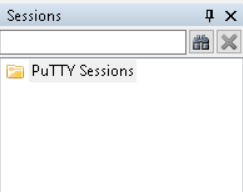
Or, right click on “PuTTY Sessions” and create a new connection if you access it frequently.
If you need help understanding all of the input information required to start a PuTTY session, then you’re not ready to start with PuTTY – newb.
BUT, let me know and I’d be happy to get you up to pace. I was a newb once. Now I’m an expert.
This year, my colleague, the guy who helped me accelerate my learning and encouraged my professional growth (James Huval, A.k.a, JimmyJams) purchased a book for me from our local book sale…
It’s probably the greatest gift/book meme I could have ever received.
Sure, it was probably purchased because of its direct representation of me as a grumpy – know it all (No-It-All), but I also feel like it may have been purchased because of my tender fluffiness… I’m not totally sure, and I’m not going to ask.
All seriousness aside, you should read it. It’s worth the chuckle. P.s. IT HAS STICKERS! “No” Stickers!!











 OSPF Command